¶ Fixing Broken Face Normals
How wrong face normals in-game are usually noticeable:
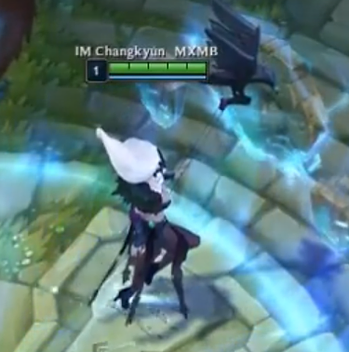
This is more common, where the whole character or connected parts appears kind of see through.
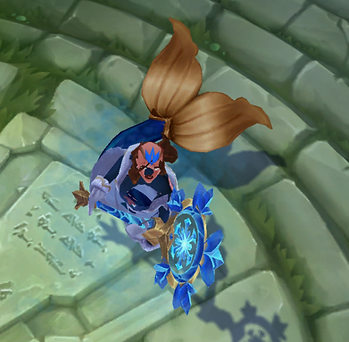
Staff is missing from certain angles, rather uncommon to just have a few face normals wrong.
You can check face normals in Maya here:
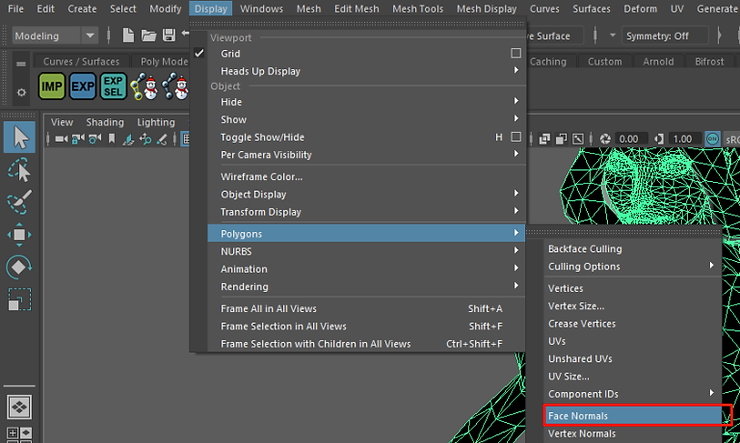
¶ Correct
Barely visible green dots (if visible at all)
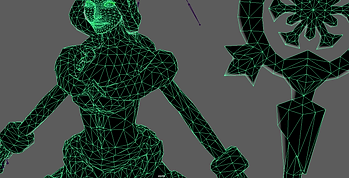
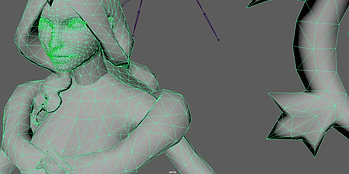
¶ Incorrect
Small green lines, very visible around “crowded” areas (face)
¶ How to fix
The fix is very simple :
Select your mesh, then, while in the modeling tab, go to Mesh Display > Reverse
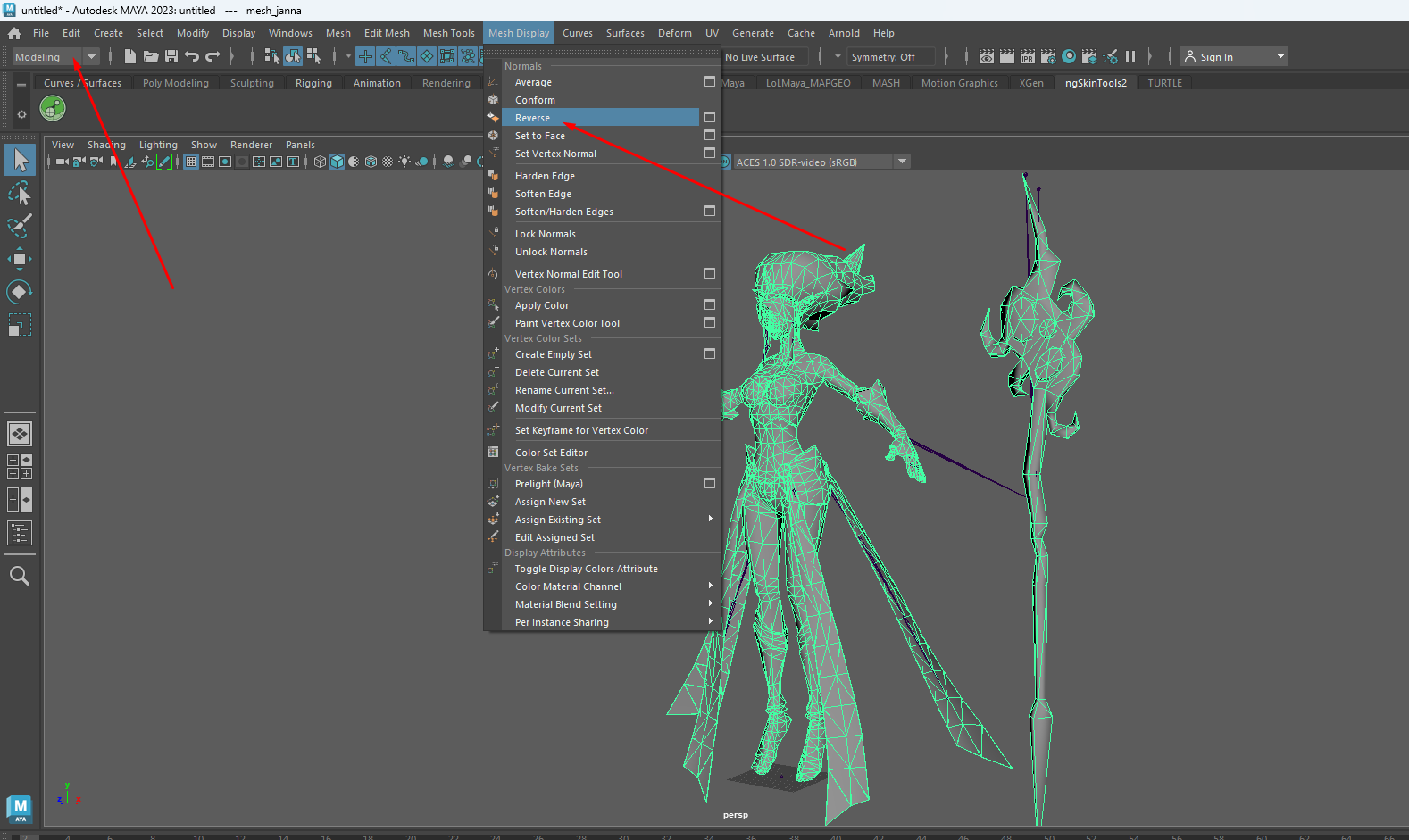
Your model should now appear normal!
¶ Sources
- Yoru Queen of Night